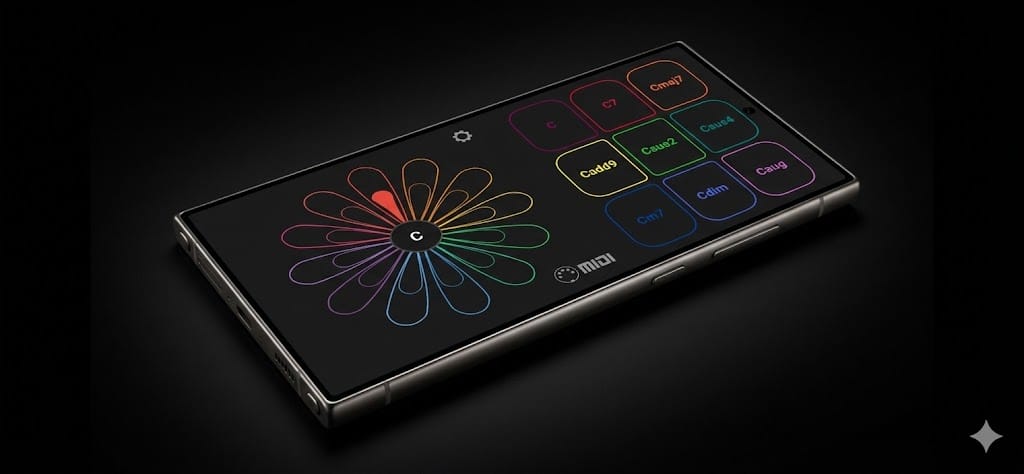
Turn your Android phone into a MIDI chord controller.
Circle-of-fifths chord pads with voice-led voicings, XY expression and tilt control. Touch, tilt, and feel your way through harmony.

One-time purchase · No subscription · No ads
See it in action
More on YouTube →Play with expression
Everything a chord controller should do, in the device already in your pocket.
Play chords instantly
Select any key on the petal wheel. Nine chord pads give you triads, sevenths, sus chords and more — all perfectly voiced and ready to trigger.
Expressive XY control
Every pad is a canvas. Drag your finger to send continuous MIDI CC data. Modulate filters, control vibrato, shape your sound in real time.
Tilt to modulate
Enable gyroscope mode and your phone becomes a motion controller. Subtle tilts send MIDI data to any parameter you choose.
True circle of fifths
Navigate harmony the way musicians think. Relative minors sit inside their majors. Moving between keys feels natural, not mathematical.
USB MIDI. No latency.
Connect directly to your DAW, hardware synth, or groovebox. No Bluetooth lag. No audio interface needed. Just plug in and play.
“I built Flowr because I wanted to play chords expressively — not just trigger them. Every touch should mean something.”
— Daniel Cotugno-Cregin, creator

In the studio
Sketch chord progressions faster than clicking in a piano roll. Use XY control to automate filter sweeps as you play.
Live performance
Flowr fits in your pocket. Pull it out, plug in, and add expressive chord pads to any setup.
Sound design
Assign gyroscope axes to synth parameters. Move your phone to explore timbres you'd never find with a mouse.
Learning harmony
The circle of fifths layout reveals relationships between keys. See how music connects as you play.
What's included
- 12-key petal wheel (Circle of Fifths or Parallel layout)
- 9 chord types per key
- Configurable XY CC assignments per pad
- 3-axis gyroscope MIDI control
- USB MIDI output (class-compliant)
- Haptic feedback
- Dark UI designed for stage use
Ready to rethink how you play chords?
Get notified
Updates, new features, the occasional tutorial. No spam.
From the blog
All posts →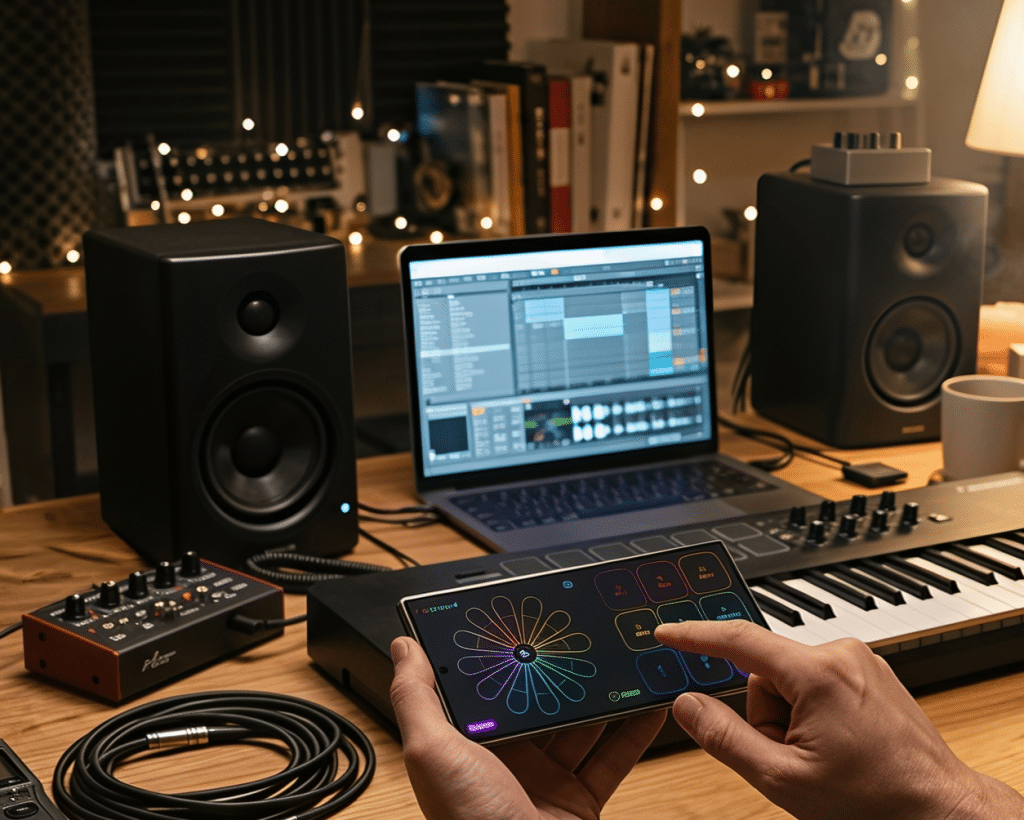
Voice leading rules that still matter in a DAW
Best MIDI Chord Generator Apps for Android (2026)